Folio blog
What changed in Folio and how it works inside. Short posts, written by the people who build it, with the limits stated.
All posts
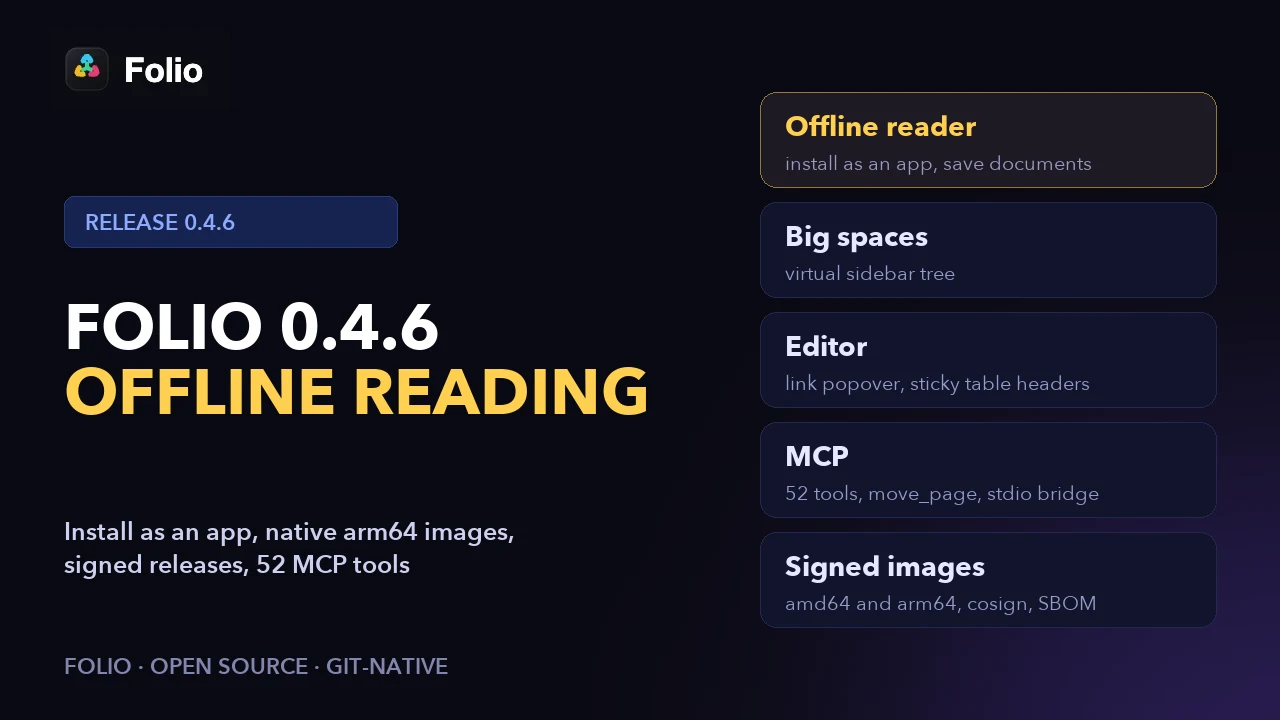
Folio 0.4.6: install as an app, read saved documents offline, signed images
Install Folio as an app and save Markdown documents for offline reading (contributed by HarryJhin), a virtual sidebar for huge folders, a link popover and sticky table headers, the move_page MCP tool, and signed amd64 and arm64 images (fixed by babs). Includes the upgrade note and the FOLIO_PWA switch.
- Releases
- Collaboration
- AI & MCP
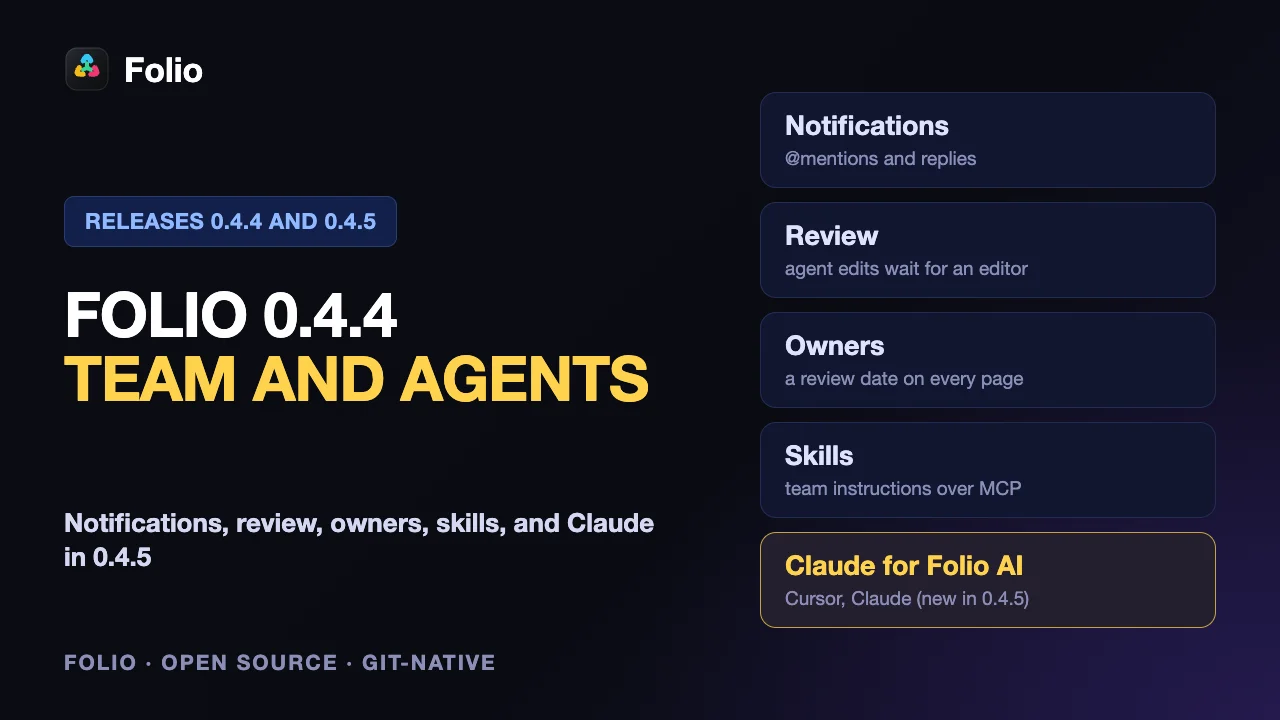
Folio 0.4.4: notifications, review of agent edits, page owners and team skills
Notifications for @mentions and replies, comments on whiteboard elements and table cells, an optional review queue for edits made by agents, a page owner with a review date, and skills that agents read from wiki pages over MCP. A section covers the 0.4.5 release published alongside, which adds Claude with an Anthropic API key to Folio AI. Includes the upgrade note for migrations 061 to 064.
- Releases
- AI & MCP
- Collaboration
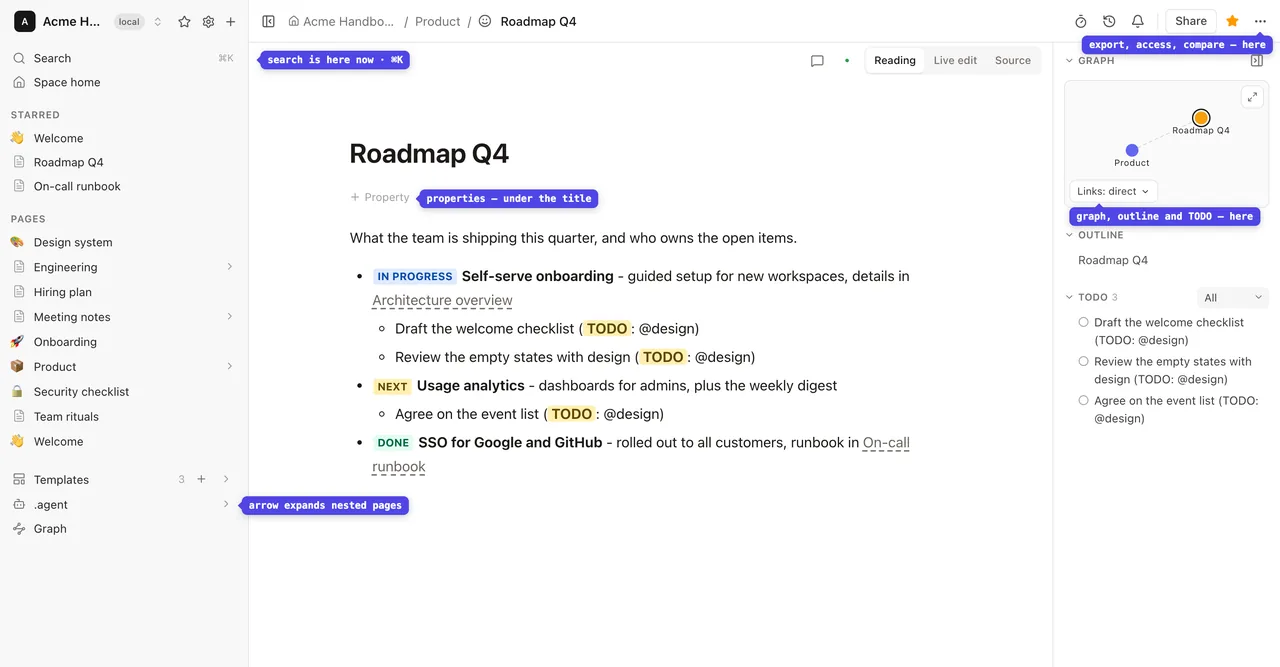
Folio 0.4.3: a calmer interface, redesigned after your feedback
People said the sidebar looked uneven, the header was crowded and things were hard to find. 0.4.3 reworks the sidebar, header, properties, right panel and TODO list. Nothing was removed; a list shows where each thing moved.
- Releases
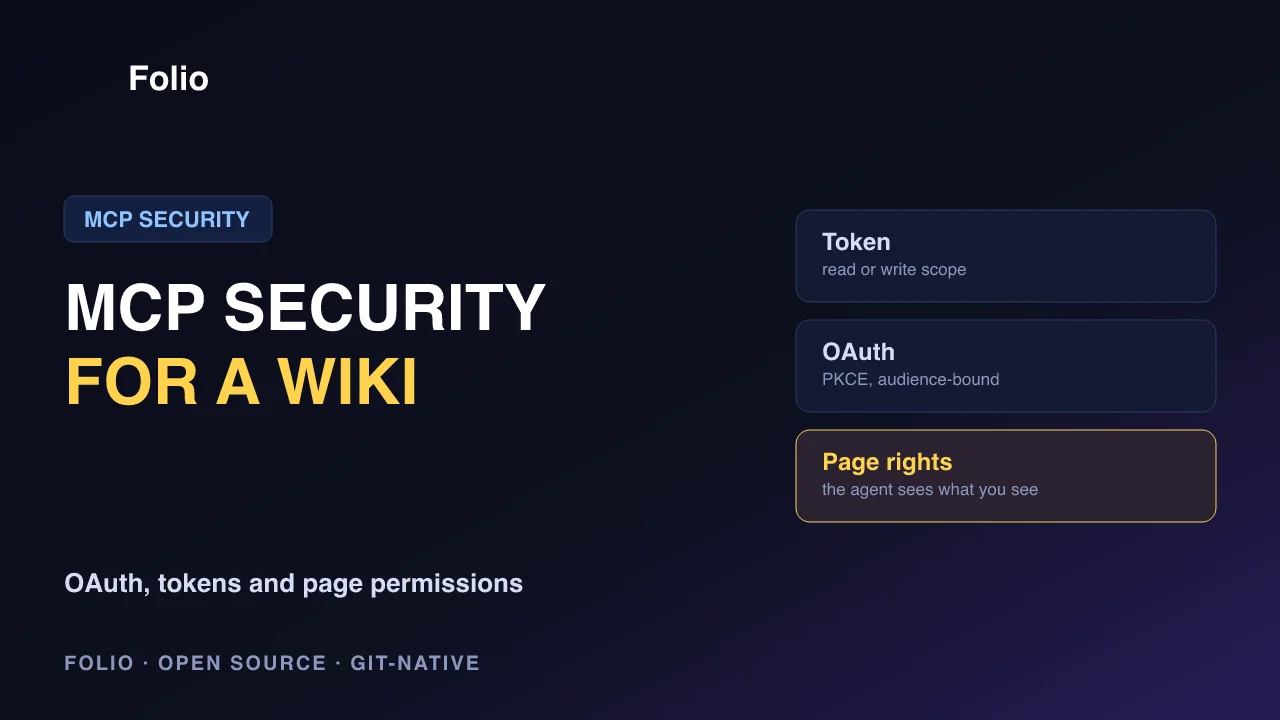
MCP security for a wiki: OAuth, tokens and page permissions
What the MCP specification asks of an authorized server, the risks of giving an agent your wiki, and what Folio does: personal tokens, OAuth, the owner's rights and page restrictions, what an agent cannot change, and what the audit log does and does not record.
- AI & MCP
- Security & access
LLM wiki for a team: Markdown in Git, readable by agents over MCP
Karpathy's LLM wiki is a folder of Markdown that an agent maintains. It suits one person; a team needs rights, shared editing, history and review. Where the pattern breaks, and what Folio gives an agent over MCP and what it leaves to you.
- AI & MCP
- Docs as code
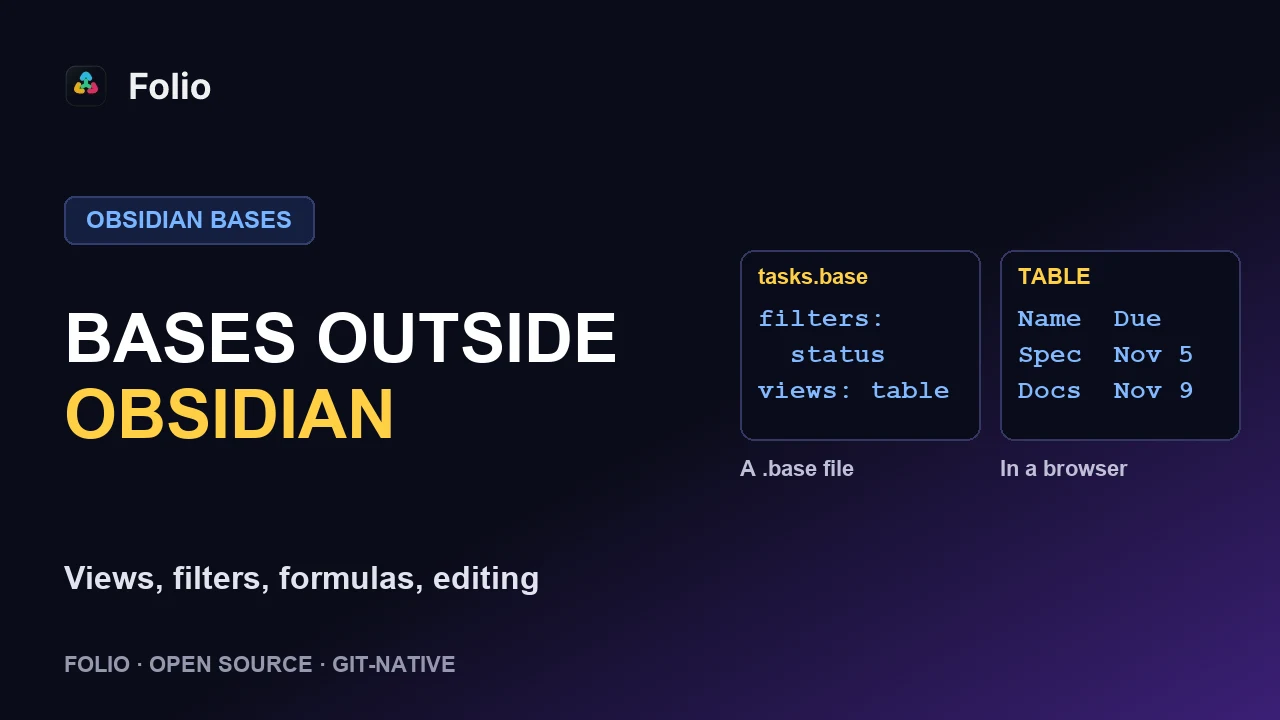
Obsidian Bases outside Obsidian: open and edit .base files in a browser
A base is a saved query over your notes, kept as YAML. What Obsidian's help says it contains, and what Folio shows from it: table, cards and list views, filters, formulas, grouping, cell editing with rights, MCP for agents. Kanban, map and plugin functions are not supported.
- Obsidian
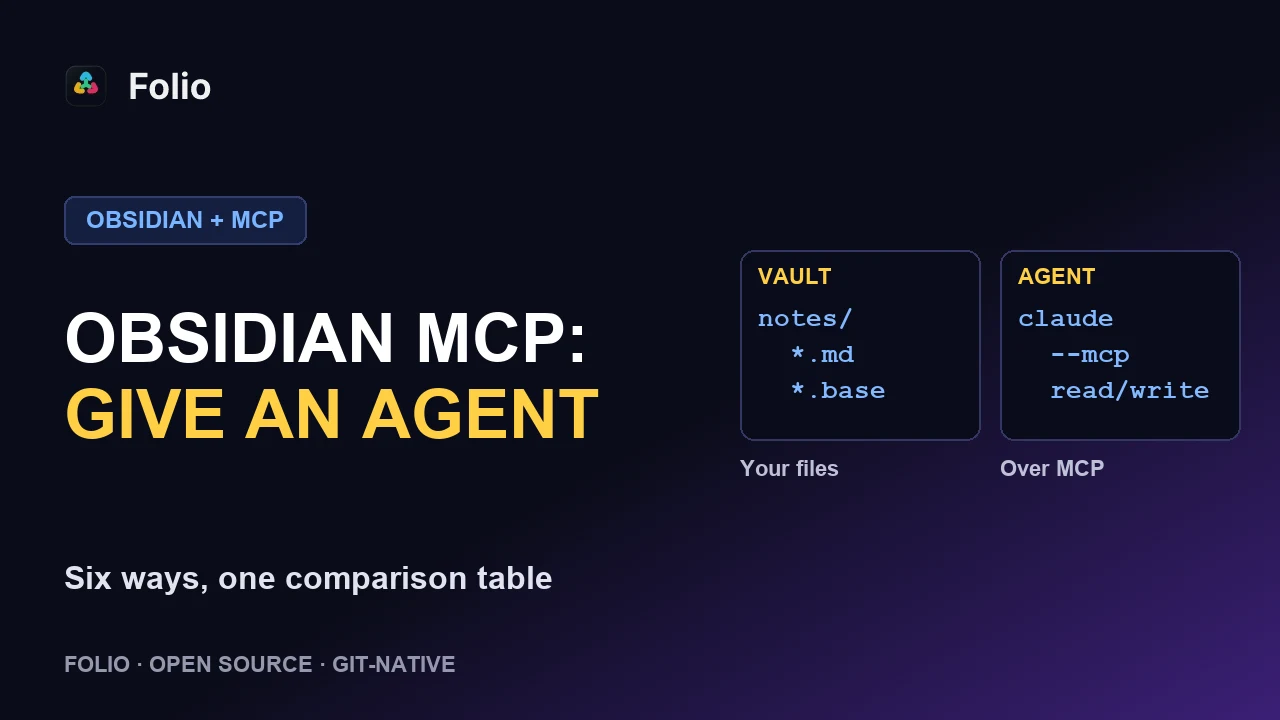
Obsidian MCP: ways to give an AI agent your vault
Local REST API plugin, file-based MCP servers, an agent on the folder, the Obsidian CLI, Git and a shared team wiki, compared on who can use each, whether Obsidian must be open, permissions, several people and self-hosting. With the limits of each, Folio's included.
- Obsidian
- AI & MCP
Notion vs Obsidian for a team: what each one gives you, and when neither fits
A table of Notion and Obsidian by the same seven criteria, checked against their own documentation on November 2, 2026: where the data lives, offline, working together, permissions, AI and API, price and self-hosting. Then when each fits, and what to use when neither does.
- Comparisons
- Obsidian
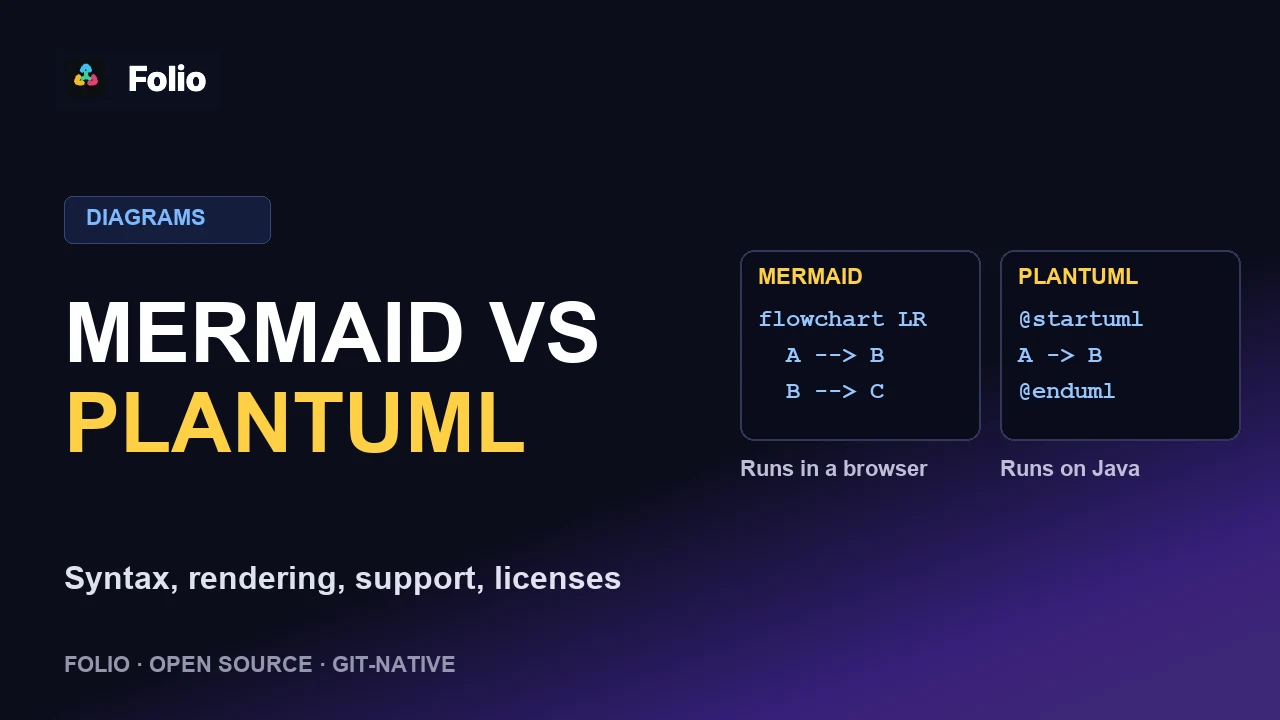
Mermaid vs PlantUML: which to use for docs in Git
Both draw diagrams from text. Mermaid runs in a browser and renders on GitHub, GitLab and in Obsidian; PlantUML covers more UML types but needs Java. A table of syntax, types, rendering, support and licenses, with sources, and where each fits.
- Comparisons
- Docs as code

Groups and single sign-on in an open-source wiki: free, in one MIT edition
Sign in through OpenID Connect or SAML 2.0, let SCIM create and close accounts, put people into groups from your identity provider, and restrict pages for child pages to inherit. SSO can be enforced per domain, with an audited admin break-glass and an audit log. What shipped, how it compares and where it stops.
- Security & access
- Collaboration

Side-by-side comparison of wiki pages and versions: see what changed
Collect up to five pages, from any spaces, and open them as columns. Current pages stay live editors; older versions are read-only and can be highlighted against the page. A release table next to its flow diagram is one use. The view is a link you can send. How it works and where it stops.
- Collaboration
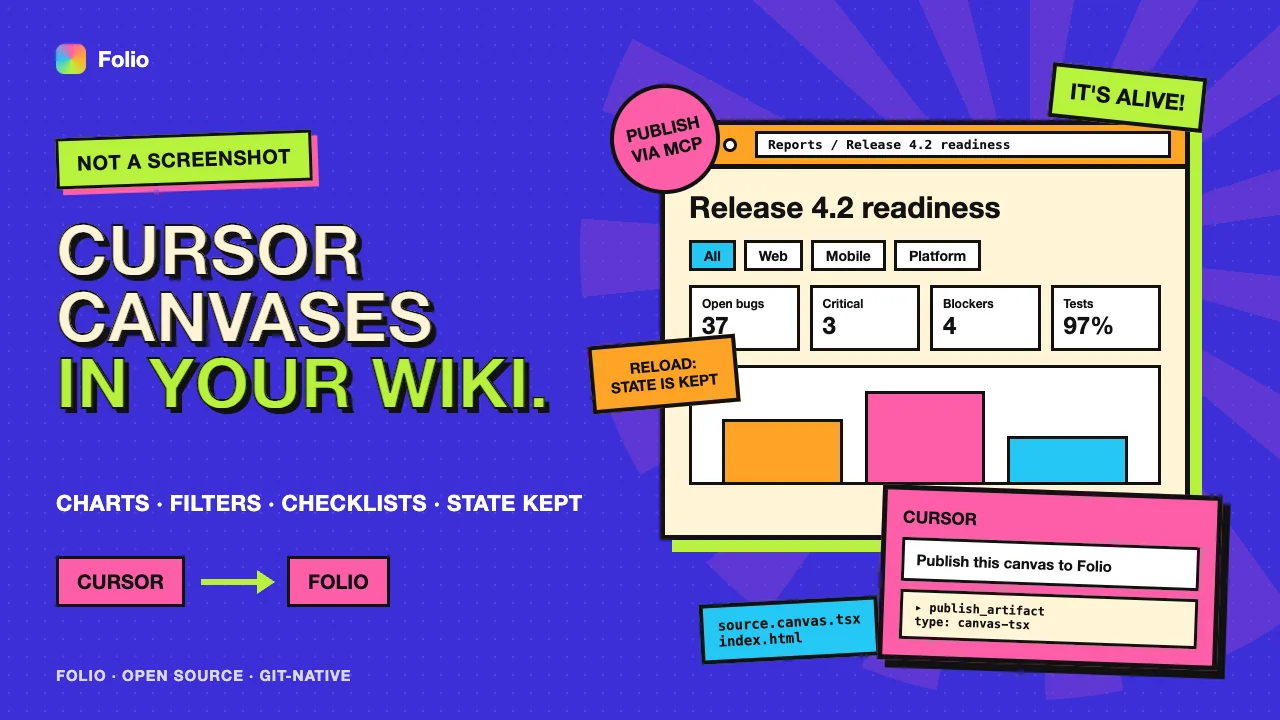
Publish a Cursor canvas to your team wiki: dashboards that outlive the chat
A canvas Cursor builds sits in your editor and on your disk. In Folio it becomes a page in the tree, with search, Git history and access rights, and its filters still work. We ran it for real with Cursor's agent and wrote down what worked, what changed and what does not carry over.
- AI & MCP
- Publishing
- How-to
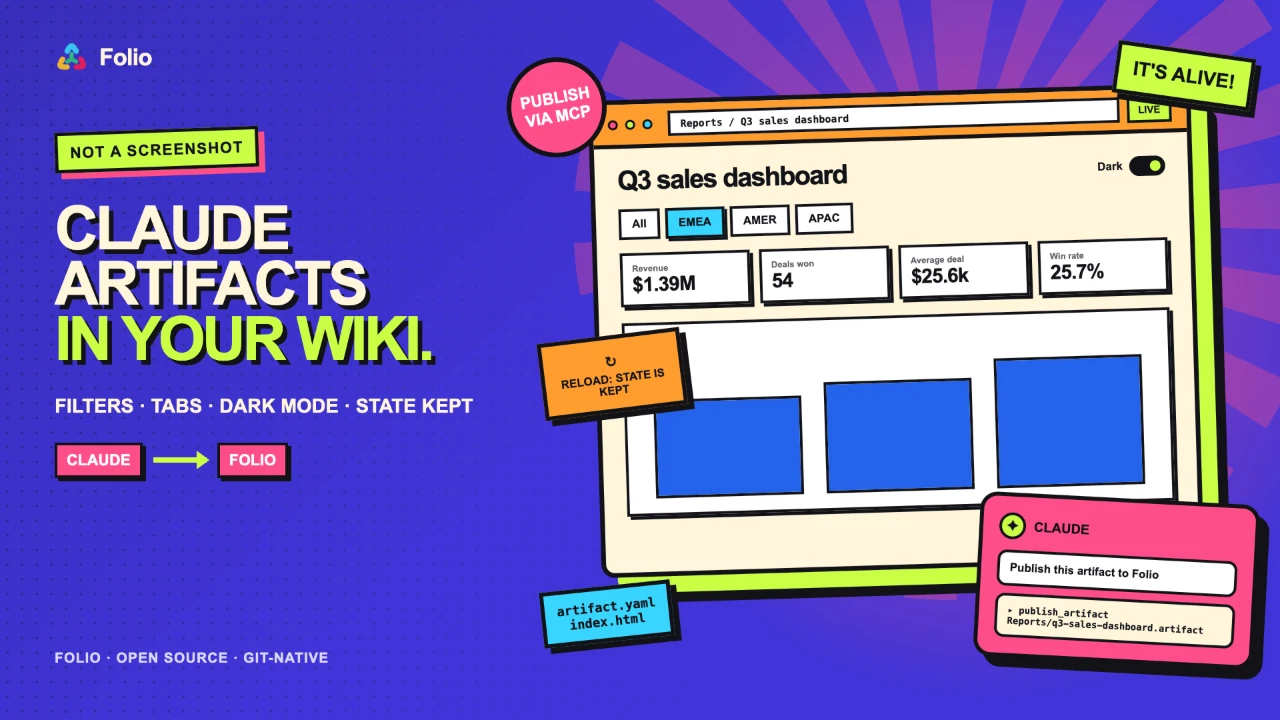
Publish a Claude artifact to your team wiki: interactive pages that live in Git
A dashboard or calculator an AI agent builds usually stays in the chat. In Folio it becomes a page in the tree, with search, Git history and access rights, and its filters still work. Publish it over MCP with one sentence, or import it by hand. How it works and where it stops.
- AI & MCP
- Publishing
- How-to

Make any page a template: custom templates for your Folio space
Right-click any page and make it a template: a document, a board, a table, a form or a whole tree. Pick it from the + menu, and the date, author and title are filled in. Templates are files in Git, and a new space starts with three. How it works and where it stops.
- How-to
- Collaboration
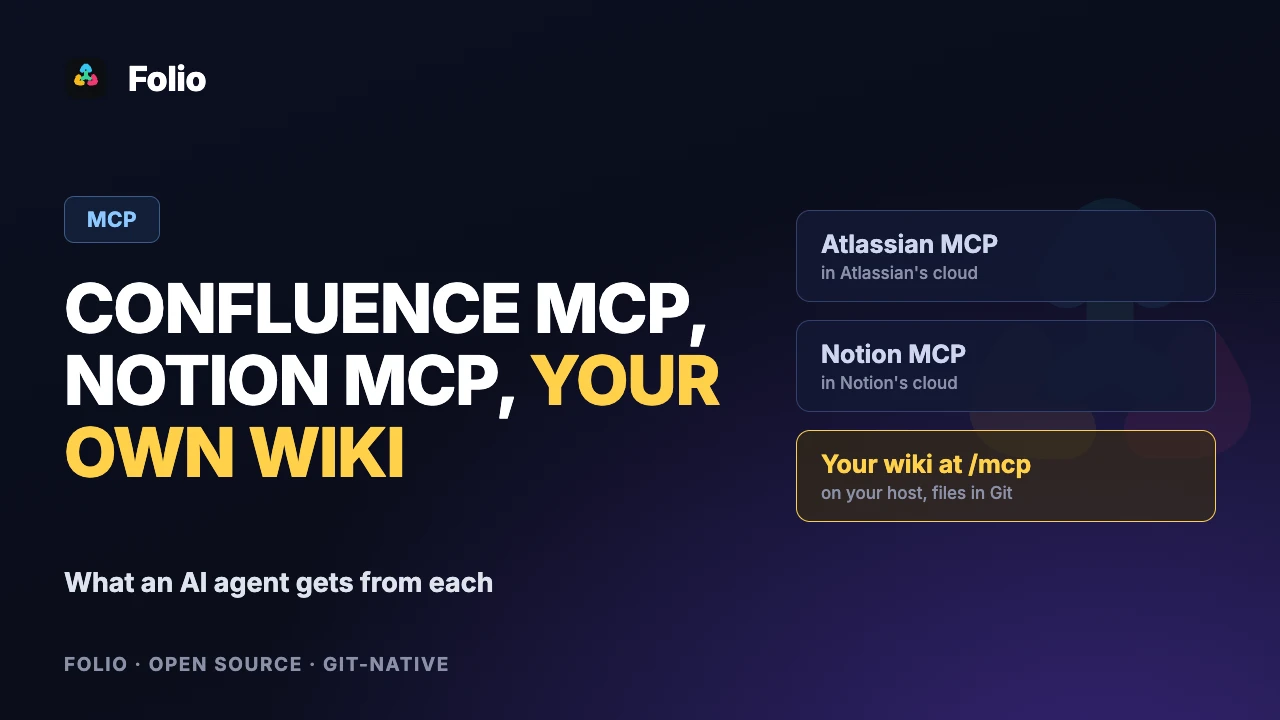
Confluence MCP, Notion MCP and a wiki that is its own MCP server
Atlassian and Notion run official MCP servers in their clouds. A third route is a wiki that is itself the MCP server: on your host, with the user's rights, edits in Git history that people see. What each gives an agent, how to connect Folio, and when to pick which.
- AI & MCP
- Confluence
- Comparisons
Export Confluence to Markdown and keep it in Git
Confluence exports Word, PDF, HTML, XML and CSV, not Markdown. Five ways to get Markdown files in Git, how to keep the page tree, what each loses on the way, and a checklist for a trial run.
- Confluence
- Docs as code
- How-to
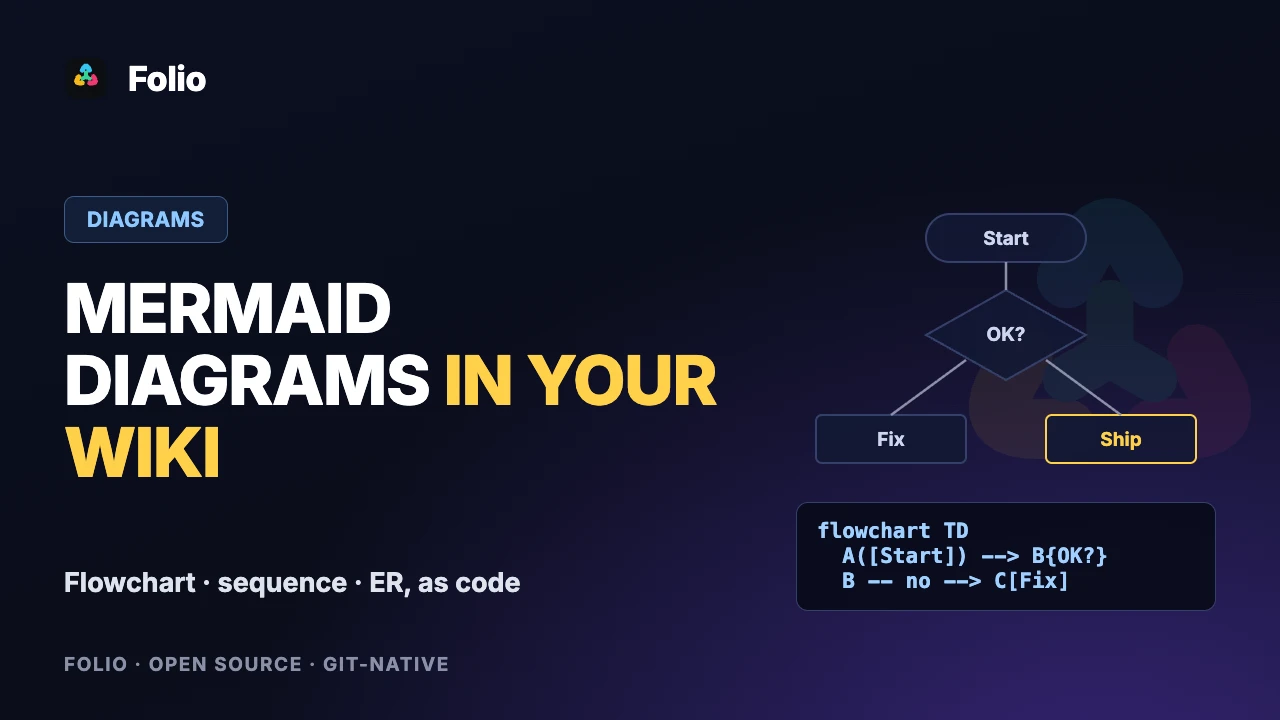
Mermaid diagrams in a team wiki: keep them as code
A diagram stored as Mermaid code changes in the same edit as the page, shows in the diff and renders on GitHub. Three examples with real code (flowchart, sequence, ER), how Folio draws and edits them, and what the free live editor does.
- Docs as code
- How-to
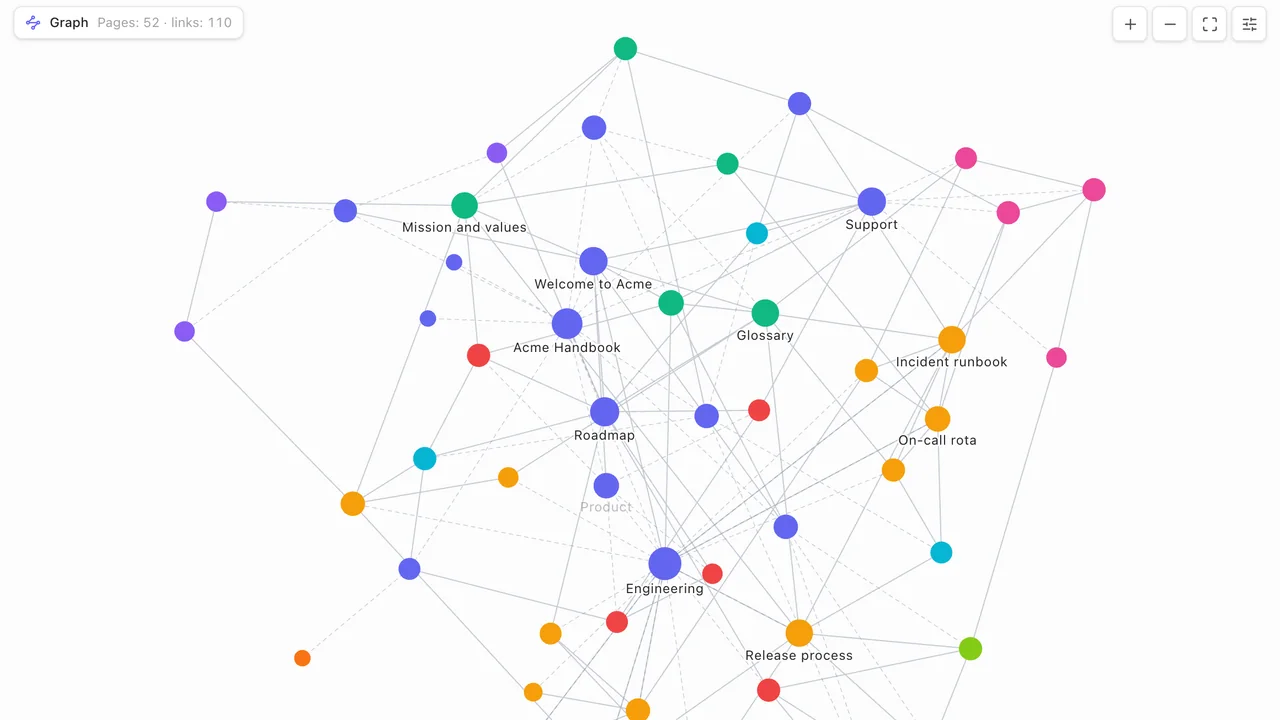
See how your team's knowledge connects: graph, Canvas and Bases in Folio 0.4
Folio 0.4 draws a space as a graph that applies page access, shows the pages around one page, and opens Obsidian Canvas and Bases. Also a shared page timer, Slack and Teams link previews, forms built by agents (49 MCP tools) and opt-in error reporting. What works and where it stops.
- Releases
- Obsidian
Open an Obsidian vault as a team wiki, without changing a file
Folio 0.3 opens an Obsidian vault in the browser for the whole team and leaves the files as they are: wikilinks, embeds, callouts, properties, tags and backlinks, with one-line diffs. How we tested it on real vaults, and what is not supported.
- Obsidian
- Collaboration

Publish a wiki space as a public website, and let visitors ask it questions
Folio 0.2 serves a space as a read-only public website at a path, a subdomain or your own domain, adds a shared Folio AI key, and lets visitors ask the assistant about that space. Setup, who sees what, and the limits.
- Publishing
- AI & MCP
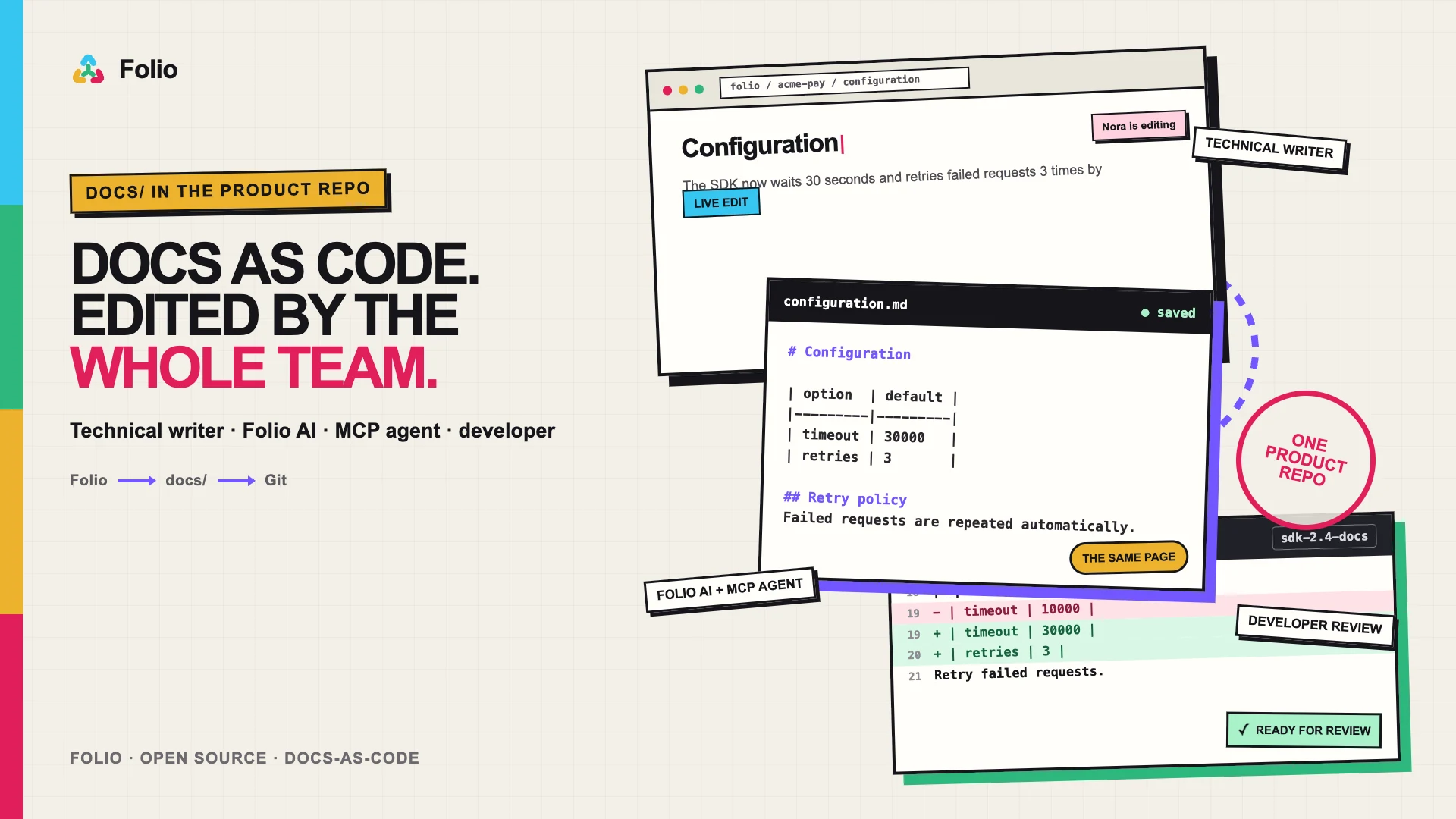
Docs-as-code without the IDE: edit your repository's docs in a browser
The docs stay Markdown in your product's Git repository and a technical writer edits them in a browser, by hand, with Folio AI or through an agent over MCP. How the Git sync works, and where it stops.
- Docs as code
- How-to
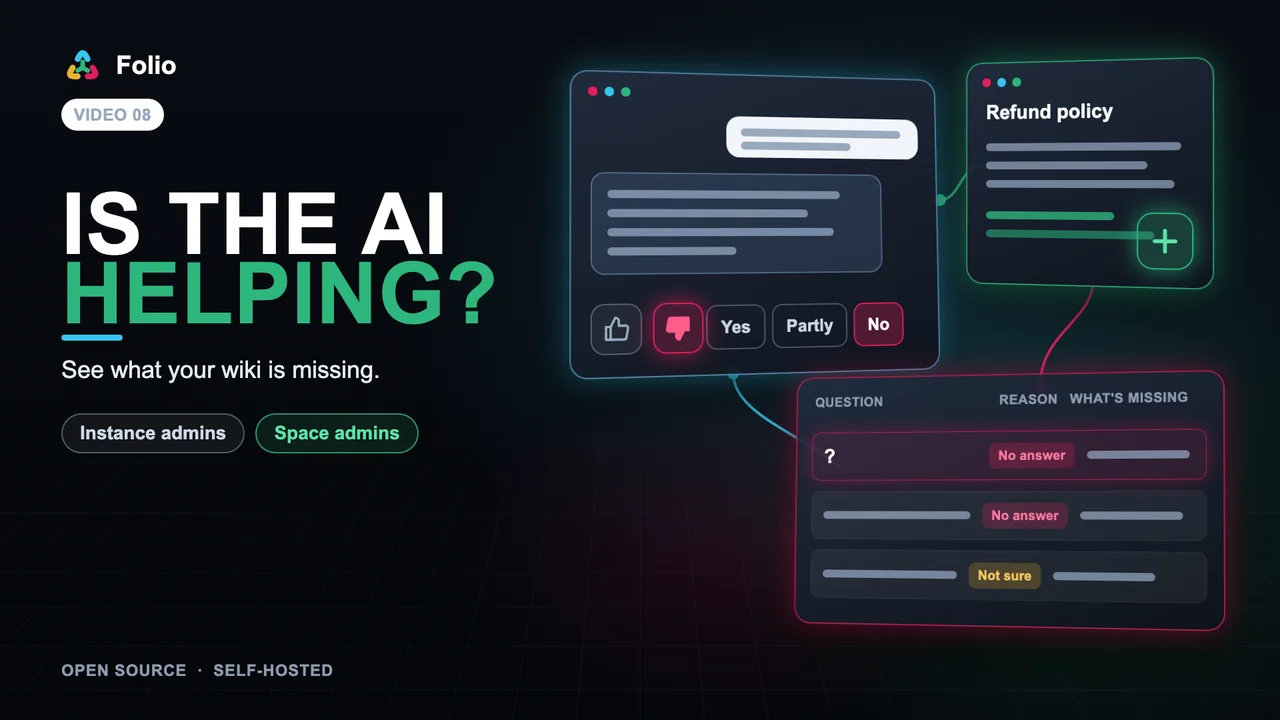
New hires ask the wiki, and the wiki learns what it lacks
A new hire asks the wiki, gets an answer with its source, and every question the pages cannot answer is recorded for an admin. The setup, how it works inside, and where it stops.
- AI & MCP
- Collaboration
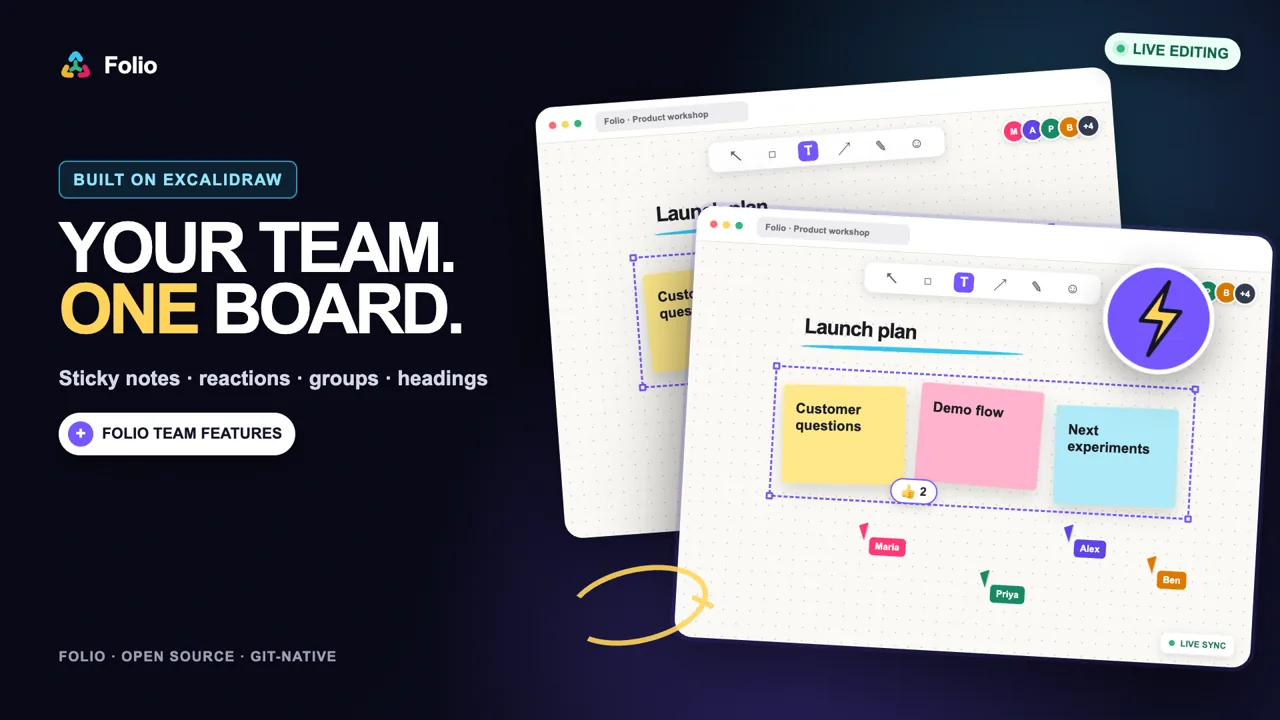
Folio boards: built on Excalidraw, made for teams
Boards run on Excalidraw. Folio adds sticky notes, reactions, one-click headings and live co-editing, and keeps each board as a file in Git. How it works, and where it stops.
- Collaboration