A team wiki that lives in Git (0:37)
Edit in the browser, press Sync, get a real Git commit.
Open source - MIT
Folio is the open-source, self-hosted alternative to Confluence and Notion. People write in the browser, together, in real time. AI agents read and write the same pages. One command to run it yourself.
Docker and Git are all you need. MIT licensed.
Public demo: pick Sam on the sign-in screen. Shared login, data resets every 24 hours.


Featured inSelf-Host Weekly · 9 Oct 2026
Short walkthroughs, no slides. The voice is synthetic (Respeecher).
Edit in the browser, press Sync, get a real Git commit.
Live Markdown, source view, diagrams you edit visually or as code.
Draw together, embed the board in a doc, keep every version.
Sticky notes, emoji reactions and two people on one board, kept in your Git repository.
One request: the agent reads the wiki and writes a page and a table row.
Edit your repository's docs in the browser; every change goes back as an ordinary commit.
Answers with sources, a weekly check as a form, results in a table.
Admins see rated conversations and unanswered questions, add the missing page, and the same question gets an answer.
Switch a space to public, set the address, and visitors read, search, download pages and ask Folio AI.
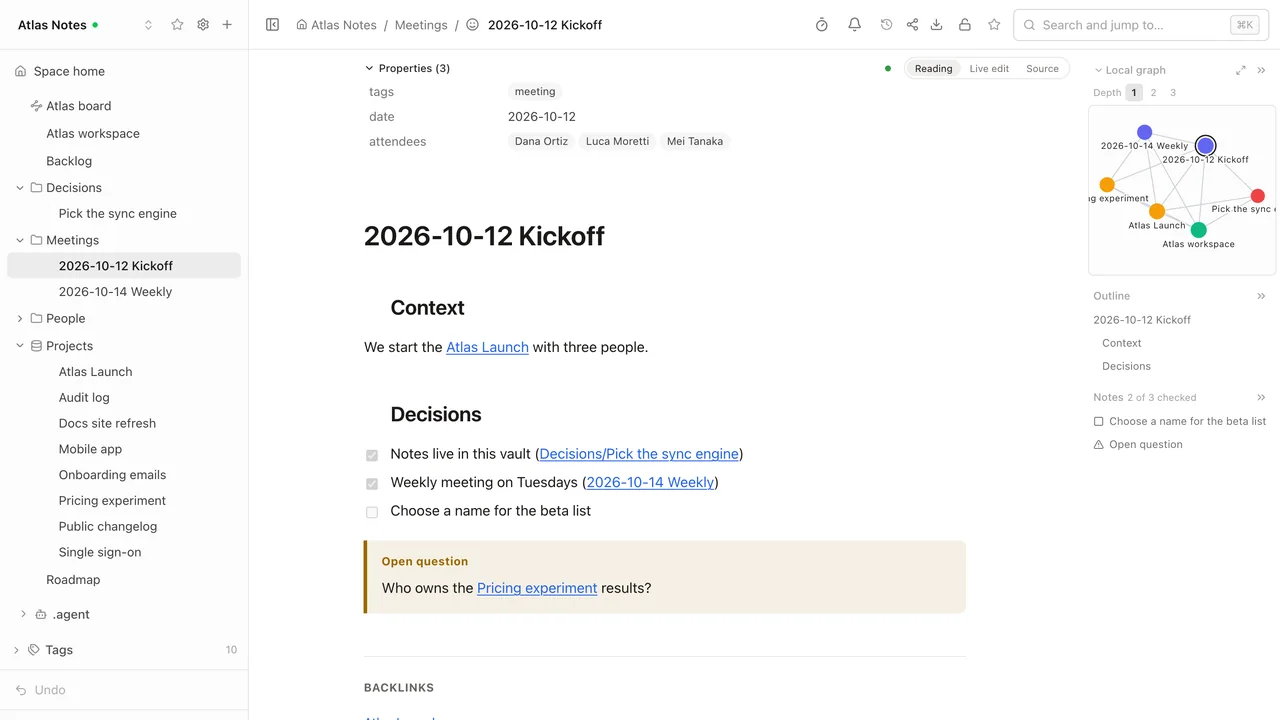
Wikilinks, embedded notes and callouts in the browser; your files are never rewritten.
Your team's vault in Git, edited together in the browser with live cursors.
One casual line to Claude: the dashboard becomes an interactive page of your wiki and a folder in Git.
Edit a Nimbus docs repository in the browser: MDX imports and components stay intact, and the commit changes one line.
The voice in the videos is synthetic.
We replaced Confluence with it. This is what we wanted from a wiki.
Every page is a plain file in a Git repository you control. No export step, no lock-in: stop using Folio tomorrow and the files are still there, readable in any editor.
Real-time editing, a page tree, search, access rights, history, sharing. It keeps working offline.
Not a chatbot bolted on the side: a built-in assistant, your own agent in every space, a full MCP server, and Markdown links made for agents.
Documents, tables, whiteboards, diagrams and files side by side. A roadmap table next to the spec, next to the architecture board, next to the signed PDF.
Docker, and nothing to configure for a first start.
Roles per space, rights per page that child pages inherit, groups, an access matrix and an audit log with CSV export. The instance administrator is not automatically a reader of private spaces.
Most wikis keep your content in a database and offer Git as an export. Folio does the opposite: the Git repository is the wiki. The database holds the index, access rights and the state of live editing, never the only copy of your words.
acme-handbook/
├── index.md
├── welcome-to-acme.md
├── engineering.md
├── engineering/
│   ├── onboarding-checklist.md
│   ├── release-process.md
│   └── how-folio-fits-together.excalidraw.svg    <- a whiteboard
├── roadmap.table.md                               <- a data table
├── onboarding-feedback.table.md
├── onboarding-feedback/
│   └── onboarding-feedback.form.md                <- a form
├── security-policy.md
├── security-policy.pdf                            <- files are pages too
└── security-policy.docx$ git log --format='%h %an %s'
be529a0 Maria Chen folio:update
aeac3bb Maria Chen folio:update
6c2c061 Sam Rivera folio:update
026d9ec Maria Chen folio:update
...
4e9ec49 Folio init: create spaceHonest detail: the commit is made after about 90 seconds of quiet, or right away with the Sync action. Right after saving, the history may still be empty.
| Initiative | Status | Owner | Team | Due | Effort, days | Urgent | id |
| --- | --- | --- | --- | --- | ---: | --- | --- |
| Single sign-on for enterprise plans | In progress | @alex | Engineering | 2026-10-09 | 8 | [x] | 1787nfg3 |
| New onboarding flow | In review | @sam | Design | 2026-10-02 | 5 | [ ] | b227mwwh |
Column types and saved views live in the front matter. The rows stay a table you can read.
Everything below works in the code today. What does not exist yet is in the Limitations section further down.
Documents, data tables and whiteboards are edited by several people at once. You see who is on the page and where their cursor is; changes appear as they are typed. When the page goes quiet, Folio commits, with the person who edited as the author.
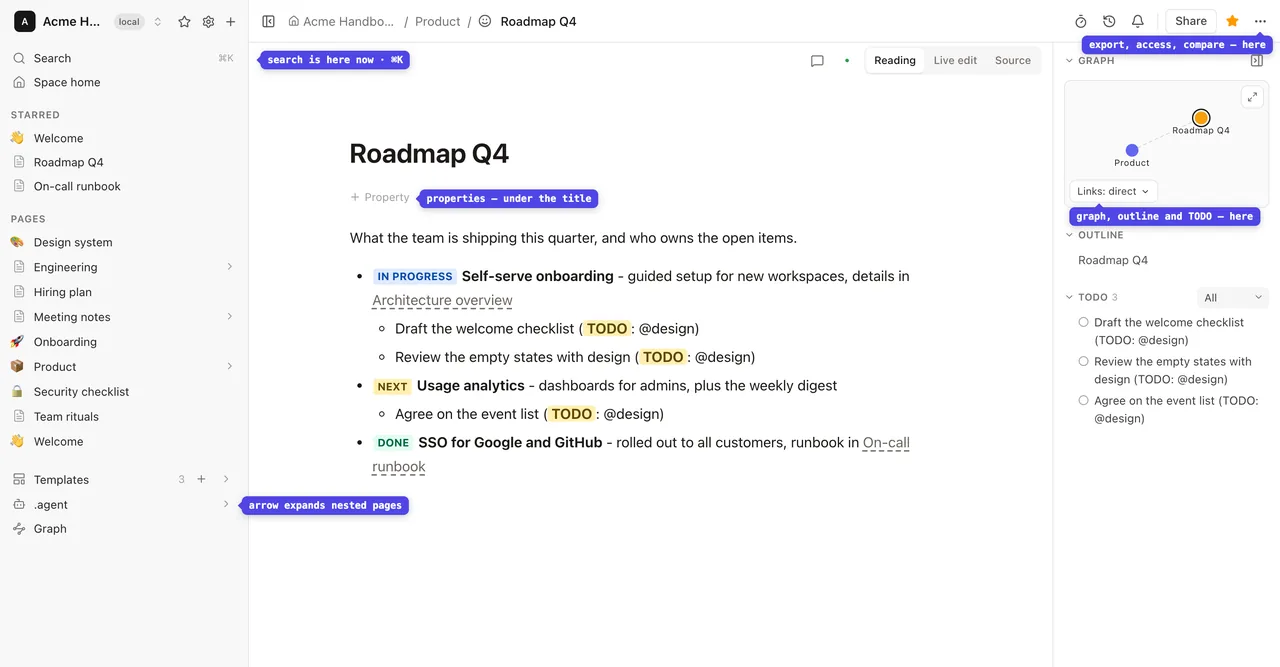
A Markdown editor that does not make you think about Markdown. Three modes: Reading, Live edit and Source.
Mermaid diagrams come with a visual editor. You build the diagram on a canvas and Folio writes the Mermaid code, or you type the code and the canvas follows.
Spreadsheets that belong to the wiki: typed columns, saved views, filters and sorting. A small database you can link from any page and query from any agent.
Forms turn a table into a questionnaire: every answer becomes a row. A form can be public, so people answer without an account.
Excalidraw boards inside the wiki: architecture, flows, workshops. Drawn together in real time and saved as SVG files that render anywhere. The board in the screenshot was created by an agent over MCP from a short description of boxes and arrows; people then keep editing it like any other board.
PDF, Word, Excel and PowerPoint files open right inside Folio: no download, no other application, no conversion on the server. The file sits in the space's Git repository next to the pages about it, under the same access rights. Folio never rewrites your file.
View only. These files are not edited in Folio, and search finds them by title.
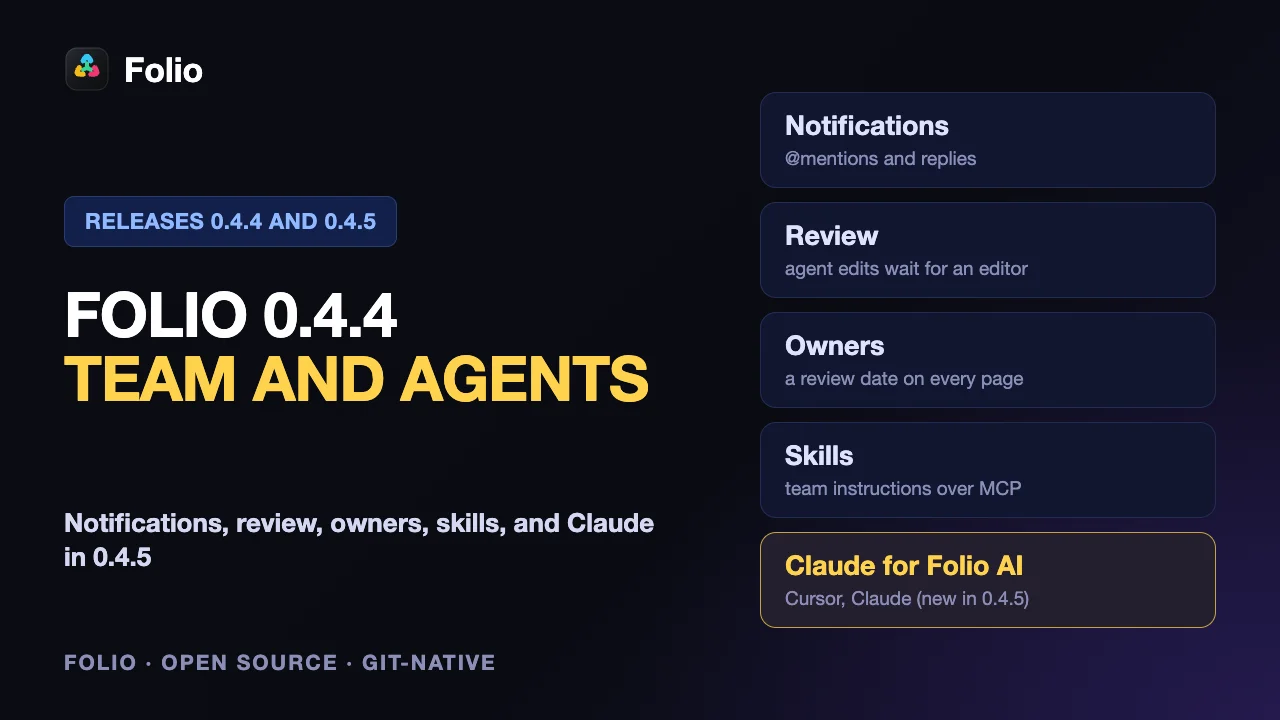
The dashboard, calculator or checklist that Claude or Cursor built no longer stays in one chat. Tell the agent "publish this dashboard to Folio, in Reports" and it becomes a page of your wiki: in the tree, in search and in Git, under the same access rights as everything else.
Folio shows the finished page and does not build React itself, so the agent sends HTML that already runs. Calls to Claude or your own APIs do not work inside an artifact, and claude.ai share links are not downloaded.
On a train, on a plane, on bad hotel Wi-Fi: keep writing. Pages and whiteboards you have opened stay editable without a connection. New pages and whiteboards can be created offline. Everything is kept on the device and reaches the server by itself when the connection returns, at the same address, with no duplicates. An indicator in the header shows what is waiting to be sent.
Data tables, forms and file uploads need a connection.
Who sees what is decided in one place, and it is visible at a glance.
SSO, SCIM, groups and the audit log are in the one MIT edition. There is no paid tier.
Point Folio at a Confluence page or a whole tree and it brings the pages over as Markdown, with images, code, checklists, and panels converted into callouts. Pages come from Confluence Cloud and from on-premises installations; whiteboards from Confluence Cloud become Excalidraw boards.
Run a test import first: not every macro has an equivalent.
Two setups that need no extra service: one Folio, one Git repository.
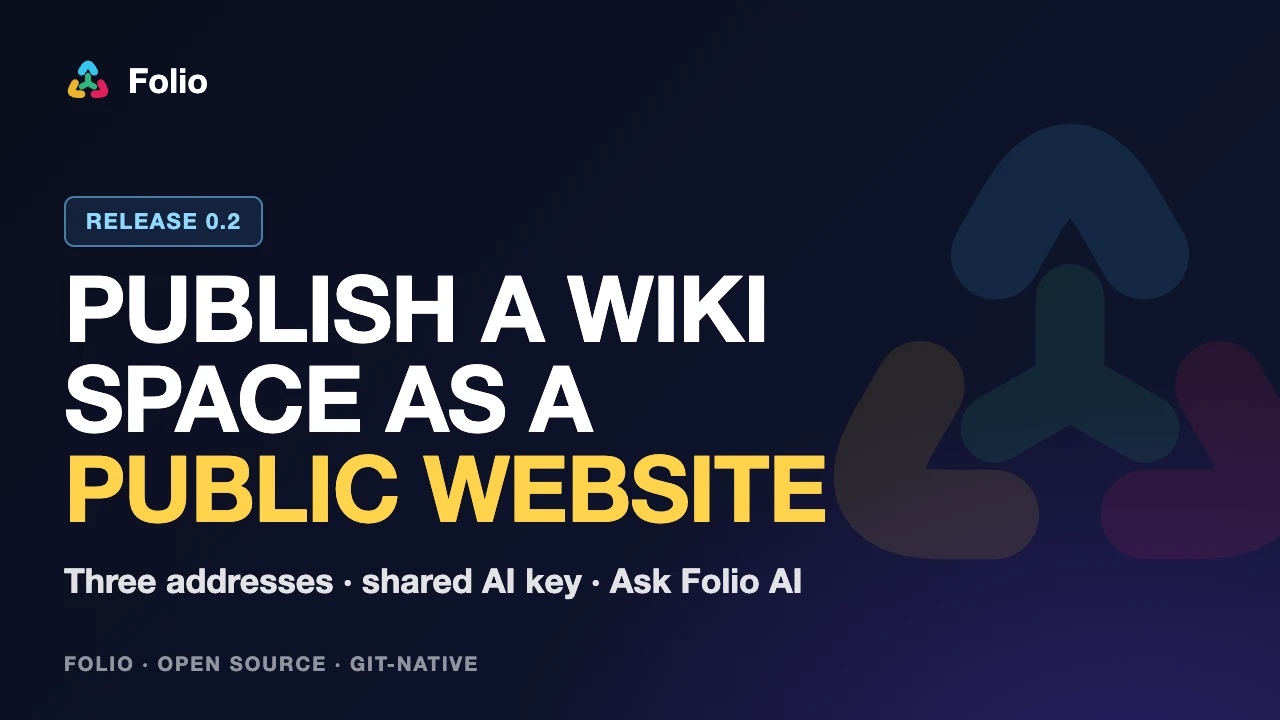
Set who can read a space to public and Folio serves it as a read-only website: the page tree, search inside the space, documents, live data tables, whiteboards as pictures, PDF and Office files. The site is the space itself, so there is no second copy to keep in step.
Honest limits: the subdomain and the domain need DNS, a certificate and proxy rules on your side. A page with a restriction is never published, and its child pages inherit the restriction, so they stay closed too.
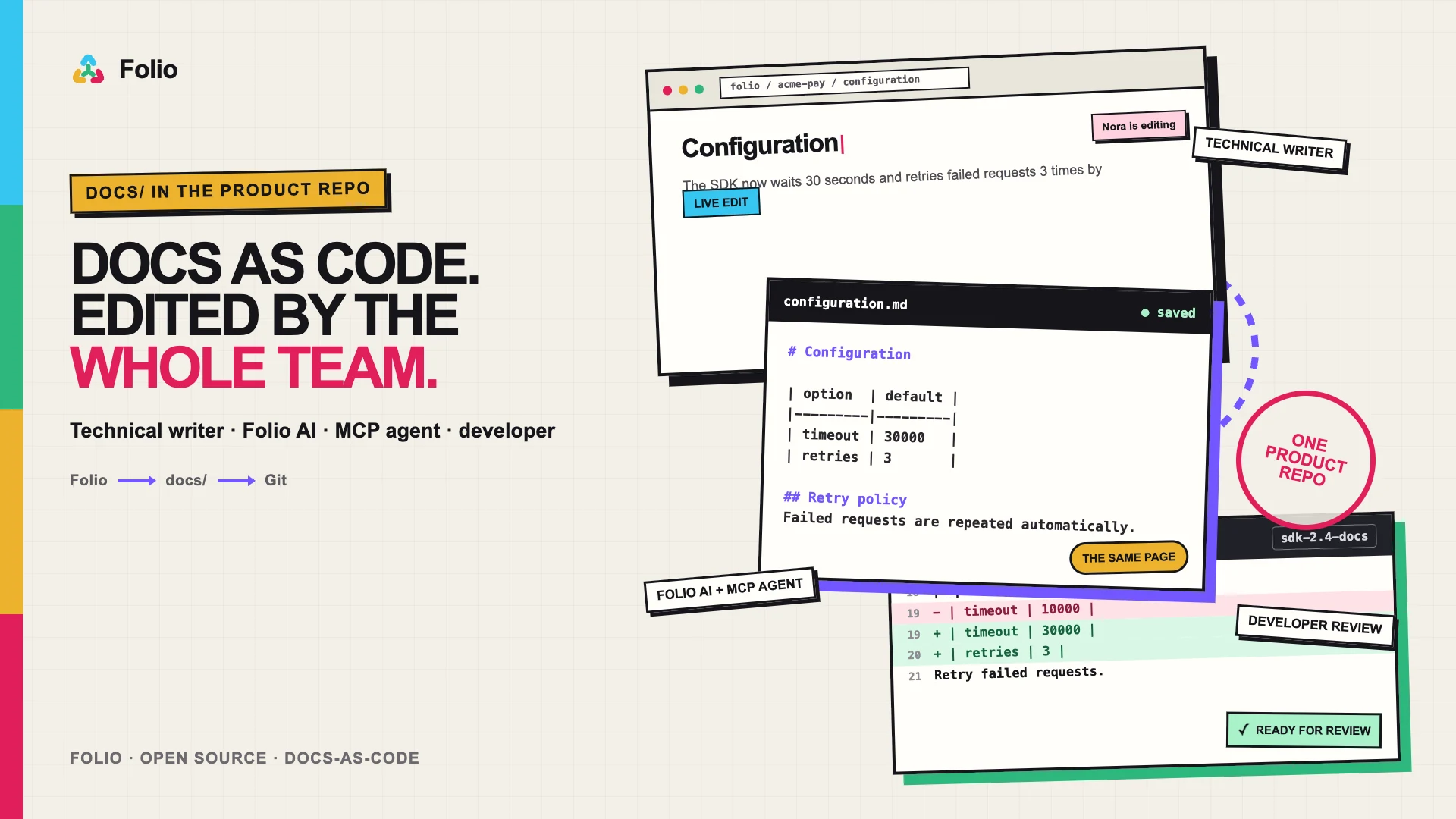
The docs/ folder of your product repository becomes a space. A technical writer edits the pages in the browser. The developer sees an ordinary commit with the writer's name as the author. An agent connected over MCP with the developer's token updates the same pages, with that developer's rights and no more. The space can then be published as the documentation portal.
Honest limits: the commit is made after about 90 seconds of quiet, and only [text](path) links and images are rewritten.
The owner chose what to build and checked every flow. Agents wrote the code, tests and docs. Now agents work with the same pages as people.
An assistant in the side panel that works with your wiki, not next to it. Ask is read-only: find, summarize, compare, explain across the pages you have access to. Agent reads and writes: drafts a page, updates a table, draws a board, restructures a section, inside your rights and never beyond them. It runs on the server, so closing the browser does not stop the work. It uses the very same tools an outside agent gets over MCP, and in Ask mode the write tools are switched off on the server, not just hidden.
Folio does not resell AI and does not mark it up. The assistant runs on a key you already have.
| Provider | Status |
|---|---|
| Cursor | available: each person connects their own key, or an administrator shares one for a space or for the whole instance |
| Claude | available: an Anthropic API key billed by usage, personal, for one space or for the whole instance (a Claude subscription cannot be used) |
The assistant needs a key from one of these providers and sends the pages it works with to that service. Without a key everything else in Folio works as usual.
Every space has a .agent folder. Whatever you put there becomes the assistant's instructions for that space, written as ordinary Folio pages, not as configuration.
One agent per space.
51 tools over /mcp, with a personal access token or OAuth: list and search spaces, read and write pages, create and edit whiteboards, forms, data tables and bases, publish artifacts, read and write comment threads, read the link graph and history, and check a page against the space's writing rules. A page tagged skill is offered to every connected agent as a team skill, and a space can send agent edits to a review queue instead of applying them at once.
claude mcp add folio --transport http https://wiki.example.com/mcp \
  --header "Authorization: Bearer folio_pat_..."
Safe by design: a token never has more rights than its owner, a read token cannot write, and administrative actions are not available to tokens at all.
Connect Claude, ChatGPT, Claude Code, Cursor, n8n or Open WebUI
Through MCP you cannot manage access rights or rename and delete spaces. Those actions go through the interface only.
Any page, with its child pages if you want, is one link that returns clean Markdown. No scraping, no HTML, no login flow.
curl https://wiki.example.com/share/<token>.mdExport as Markdown, YAML, PDF, DOCX, or a zip of a whole space.
You need Docker and Git. Nothing else.
git clone https://github.com/evergreen-it-dev/folio.git
cd folio
docker compose up -d
The first start builds the application and takes a few minutes (about 1 GB is downloaded). Then open http://localhost:4870 and create the first account. It becomes the administrator.
A short welcome takes it from there: pick what to create first (a document, a whiteboard or a data table), look through what Folio can do, and land in your first space with that page open. Connecting an existing Git repository is one link away on the same screen.
Your computer
docker compose up -d
A server or VPS
The same, plus --profile https for automatic HTTPS
Container platforms (Railway, Render, Fly.io, Coolify and similar)
A container with PostgreSQL, Redis and a persistent volume. Each platform has its own install page.
Vercel, Netlify and other serverless hosting
Not supported. Folio is a long-running server that keeps Git repositories on disk and holds live connections.
git clone https://github.com/evergreen-it-dev/folio.git
cd folio
cp .env.example .env
# edit .env:
#   PUBLIC_URL=https://wiki.example.com
#   FOLIO_DOMAIN=wiki.example.com
#   FOLIO_BIND=127.0.0.1
docker compose --profile https up -d
Needs a domain with a DNS record pointing at the server, and ports 80 and 443 open. Folio runs as three containers: the application, PostgreSQL and Redis.
cd folio
git pull
docker compose up -d --build
Database changes are applied automatically when the application starts. Make a backup first.
Eight honest comparisons focused on how knowledge is stored, changed and shared — not feature-checklist theater.
Choose Folio when documentation belongs beside code, with SAML, SCIM and an audit log included; choose Confluence when Jira workflows and the Atlassian ecosystem lead.
Read comparisonChoose Folio when knowledge must already be readable files in Git, with SAML, SCIM and an audit log free; choose Notion for a mature managed workspace.
Read comparisonChoose Folio when pages must be Markdown files in your Git repository, with SAML, SCIM, IdP group sync and an audit log included; choose Outline for a hosted cloud, desktop apps and a mature integration set.
Read comparisonKeep Obsidian for personal notes; add Folio when a team needs a browser, SSO, groups, per-page rights and shared editing over the same Markdown files in Git.
Read comparisonPick Nimbus for developer-written public docs built as a static site; pick Folio when non-developers edit visually together and internal and public docs share one place. They can share a repository.
Read comparisonChoose Folio for a Git-native team knowledge base with SSO and SCIM built in; choose MediaWiki for a public encyclopedia and its extension ecosystem.
Read comparisonChoose Folio when boards must stay beside documents and code; choose Miro for workshop-first visual collaboration.
Read comparisonChoose Folio when Git and agents should be first-class wiki participants, not secondary integrations.
Read comparisonPick the way in that matches your situation. Every page below is a plain-text page you can read without an account.
Eight self-hosted Confluence alternatives with licenses, prices and drawbacks. Folio is one of them and is marked as ours.
Seven self-hosted or local Notion alternatives with licenses, prices and drawbacks.
Turns one pasted page or one file from an HTML export into Markdown and lists what it could not convert.
Eight self-hosted wikis compared on requirements, storage, licenses and sign-in.
Meeting notes, SOPs, PRDs, runbooks and more as plain Markdown, each with a read-only copy in the demo.
Decisions and action items first, raw discussion below, one owner and a date per action.
Draw a diagram on a canvas or from code and export SVG or PNG, with no account.
Folio next to Confluence, Notion, Outline, Obsidian, Nimbus, MediaWiki and Miro.
Claude, ChatGPT, Cursor, Claude Code, VS Code, Codex, n8n and Open WebUI over MCP.
Connect ChatGPT to a Folio wiki over MCP.
VPS, Coolify, Railway, Render, DigitalOcean and other targets, step by step.
Longer step-by-step setups, starting with Obsidian.
What changed in Folio and how it works inside, with the limits stated.
 Obsidian and Claude Code: a shared second brain for a teamUse Claude Code with an Obsidian vault, then share it: CLAUDE.md, Git, a team wiki and MCP, so every colleague's agent answers from the same notes.Read the guide
Deliberate limits and known gaps, so you do not spend time looking for what is not there.
Articles about Folio and the AI-friendly wiki approach.
Also listed on AlternativeTo
The repository is open. Clone it, run one command, and move one space over.